
ChronoFlow
Digital signage: schedule media across your screens from one place.
Upload images and videos, add YouTube, build playlists, and run schedules so the right content appears on the right screen.
The web app is coming soon; in the meantime, use the mobile app.
Screens that run on their own.
For venues that need simple, reliable playback on their screens without babysitting each device: retail, restaurants, clinics, gyms and offices.
What you can use today.
Media library
Images, video, and YouTube in the cloud, ready for your screens.
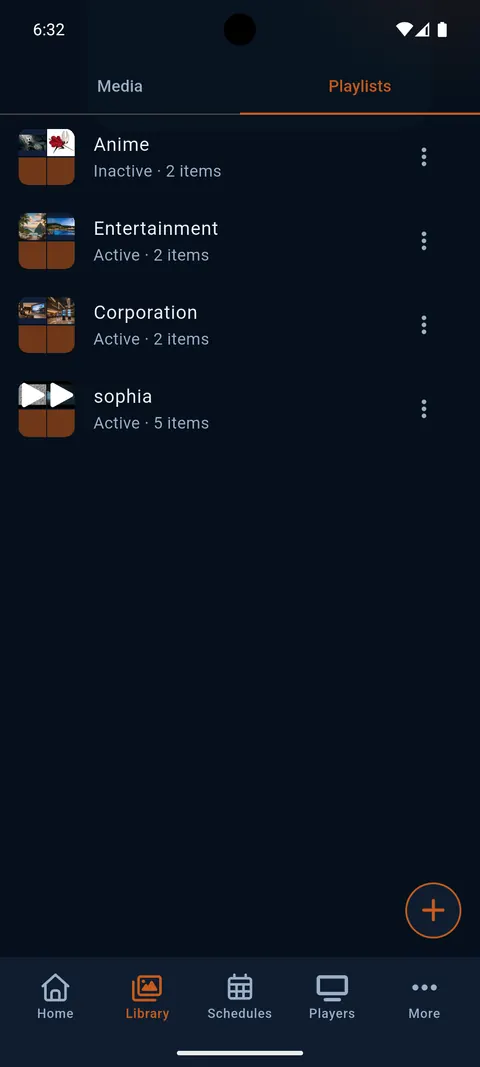
Playlists and schedules
Order content and schedule when it plays on each Media Player.
Media Players and groups
Phones, tablets, and Android TV as players; group them to operate several at once.
Simple pairing
Link screens with a short code or QR — no password sharing.
Controller in the mobile app
Manage content, schedules and screens from the app; the web version is coming soon.
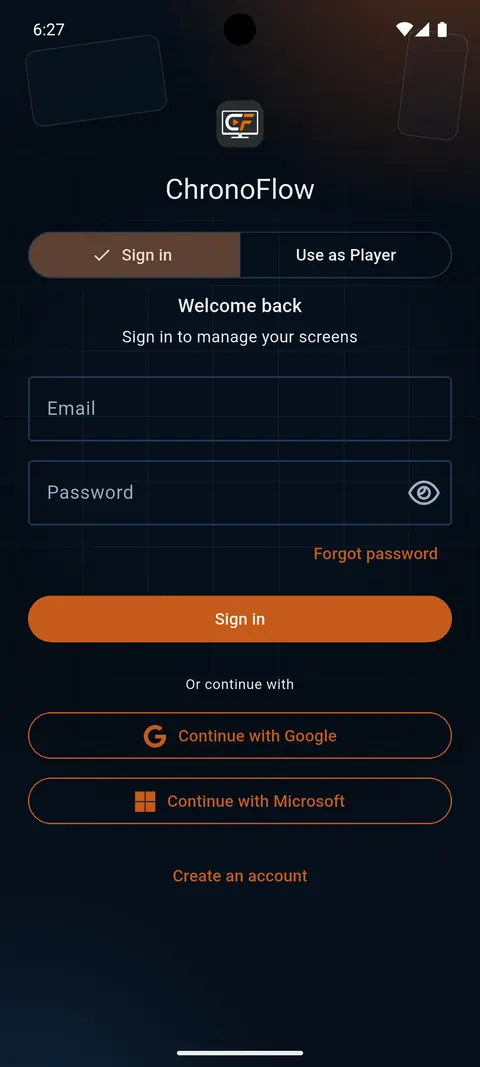
Email or SSO sign-in
Sign in with email and with Google or Microsoft when available.
From content to screen in three steps.
-
01
Upload your content: images, videos and YouTube links to your library.
-
02
Organize playlists and schedules to decide what plays and when.
-
03
Pair each screen with a short code or a QR; the Player plays and picks up your changes.
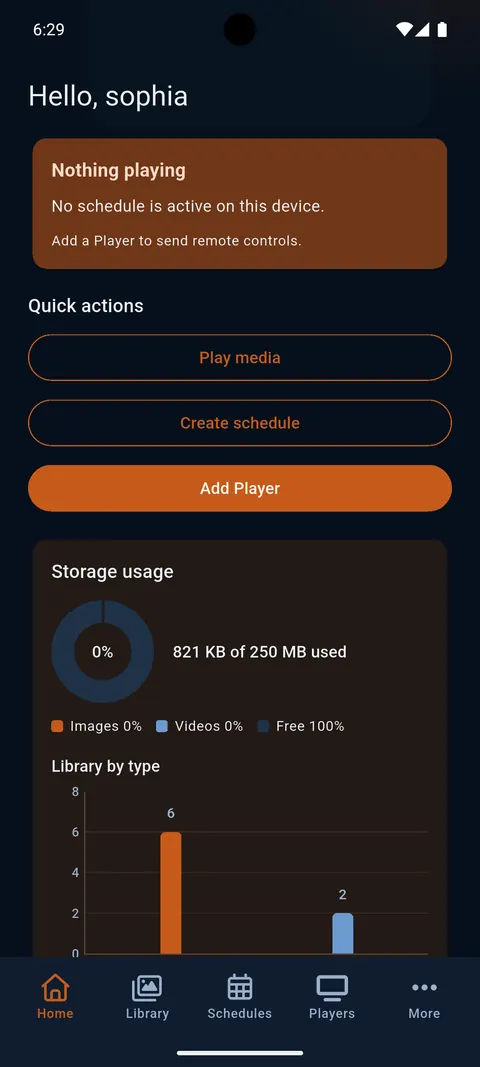
The Controller is where you manage everything; the Player is the screen that plays.
Controller and Player screens.
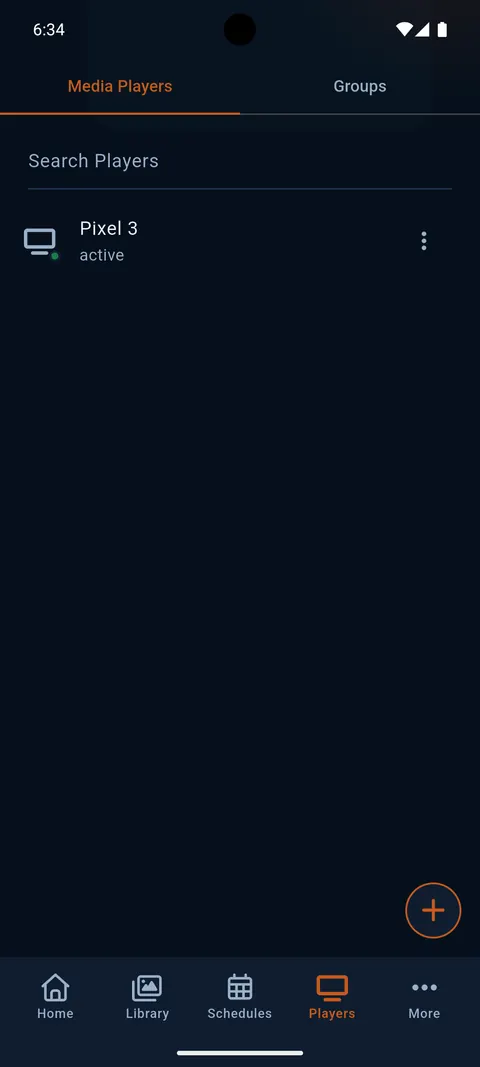
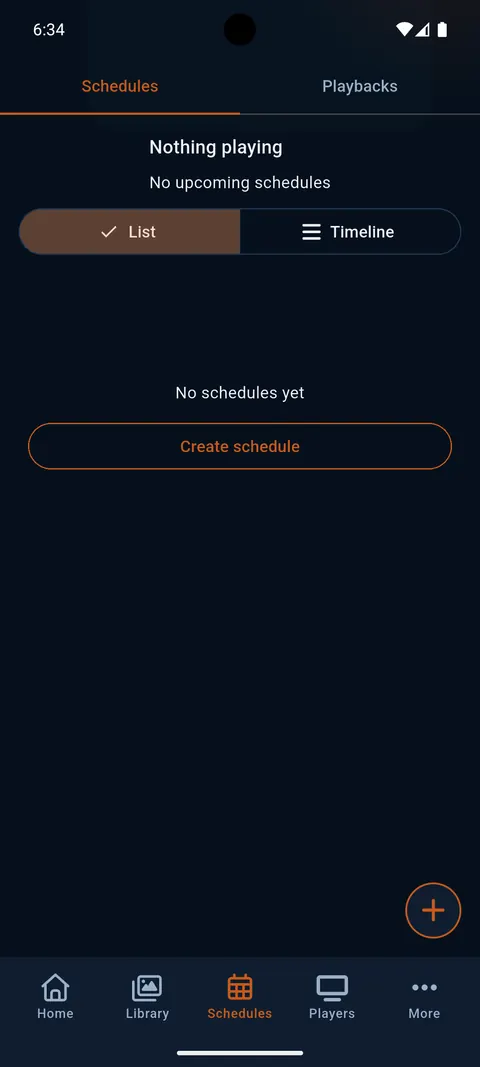
Phone
The Controller in your pocket: library, playlists, schedules and Players, with bottom navigation.
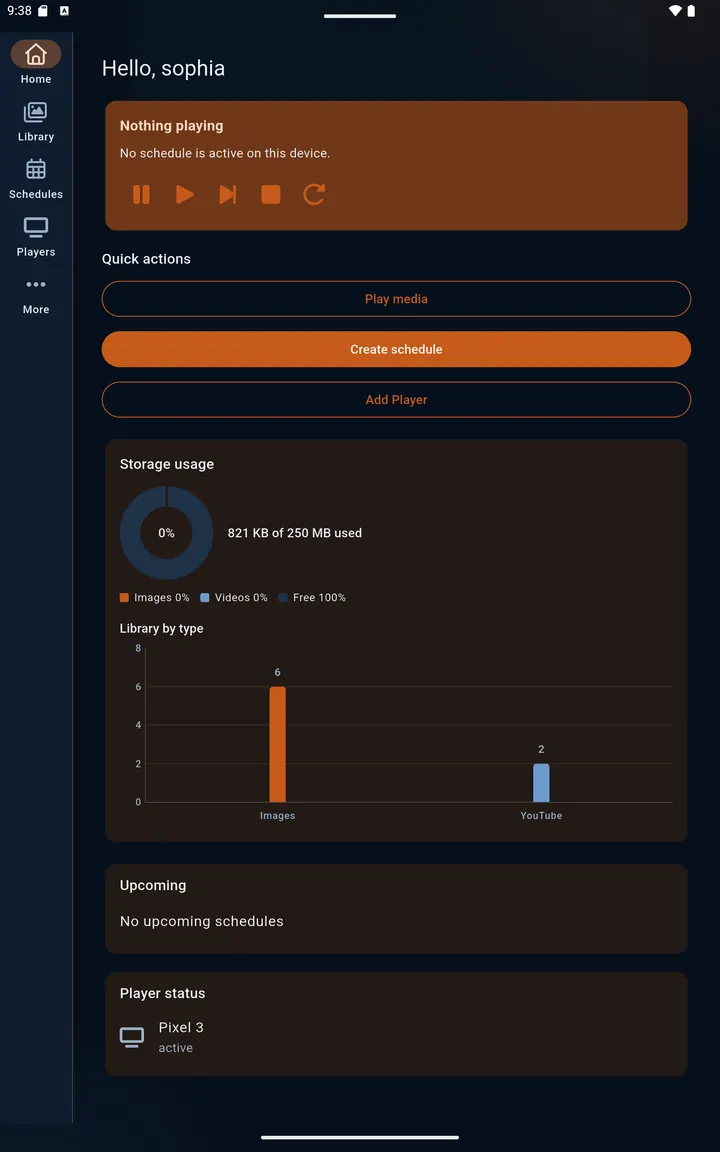
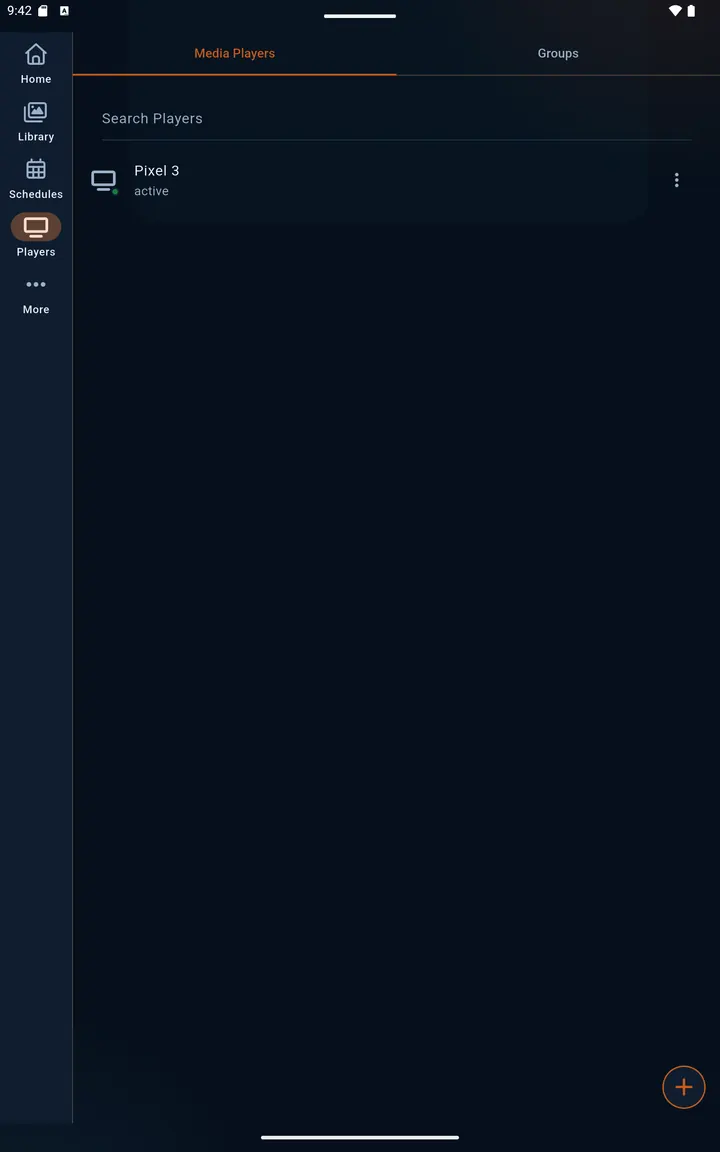
Tablet
On larger screens the Controller switches to a side rail and uses the extra width.
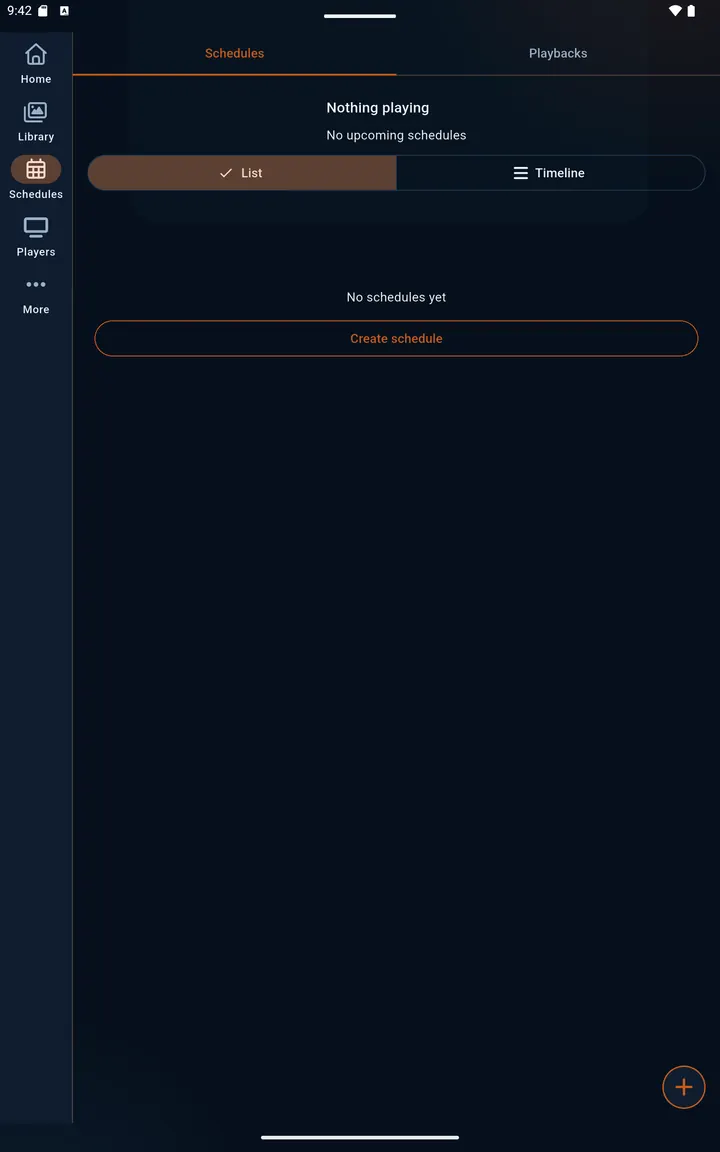
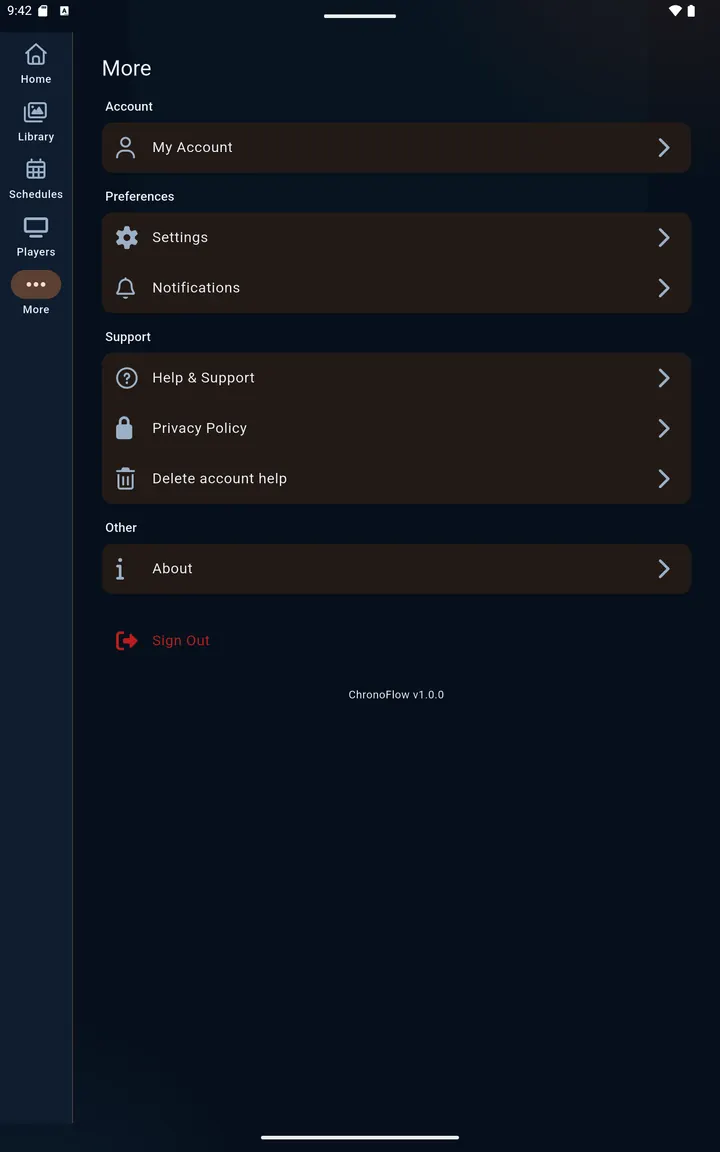
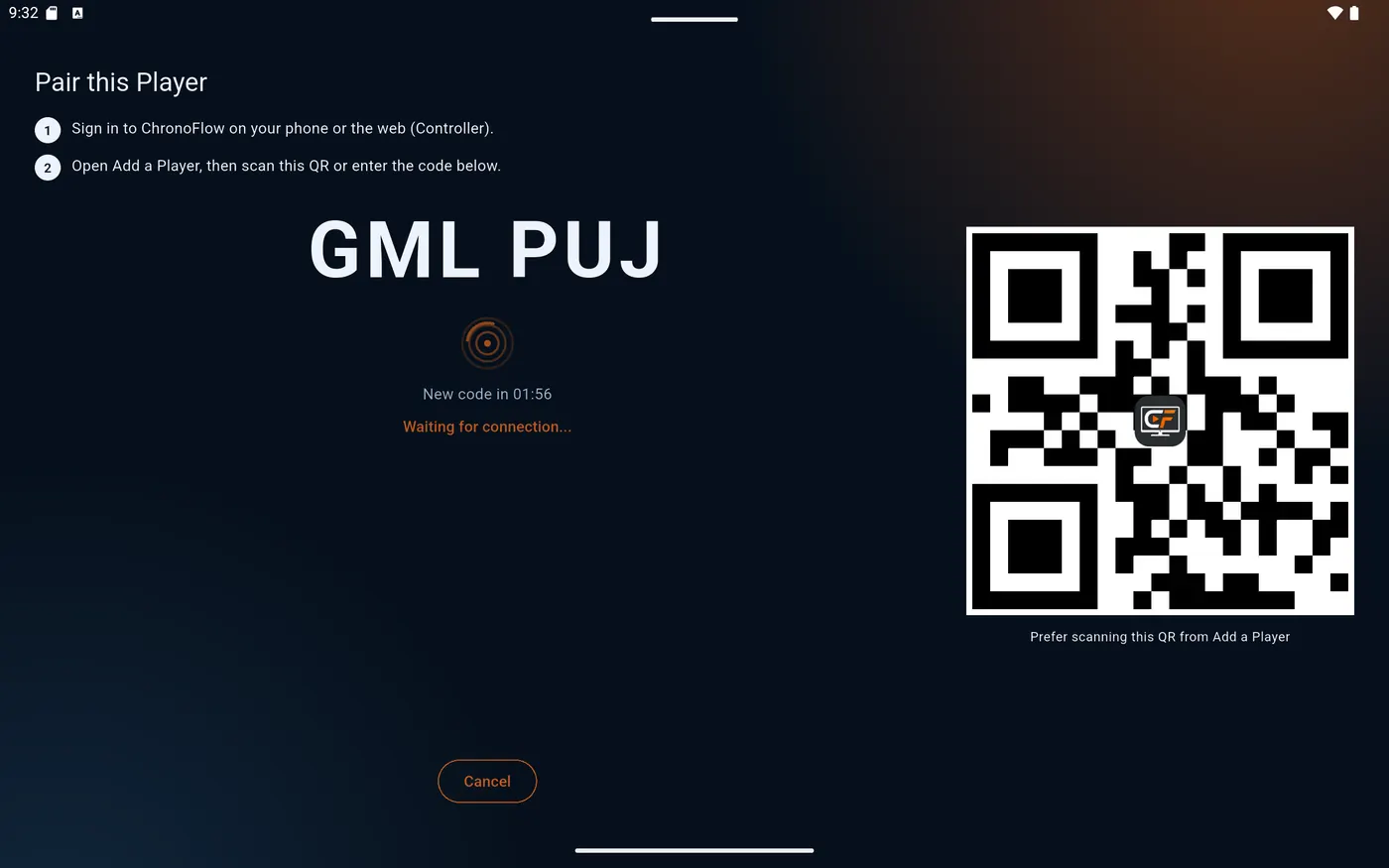
Player
Playback mode: the screen shows a short code and a QR to join your account.
The stack we build ChronoFlow with.
Backend
- PHP
- Laravel Passport · Reverb · Socialite
- PostgreSQL
Web
- Vue
- TypeScript
- Vite
- Tailwind CSS
- PrimeVue
Apps
- Flutter Android · iOS · Android TV
- Dart
- Samsung Tizen Smart TV web app
- LG webOS Smart TV web app
Payments and stores
- Stripe
- Lemon Squeezy
- Google Play Play Billing
- App Store In-App Purchase
Services
- Firebase Push notifications
- AdMob
- Resend
Infrastructure
- Cloudflare Proxy / CDN · R2 storage
- Backblaze B2
- GitHub Actions CI/CD: tests, deploys, store releases
- Docker Test environments
How we build it, decision by decision: pairing, identity, scheduling, storage and TVs.
Read Building ChronoFlowFree and Pro
Start on Free: limited screens and storage, with ads in the app and a “ChronoFlow Free” watermark plus ChronoFlow messages during playback. ChronoFlow Pro adds more screens, more cloud storage, all schedule types, and playback without the watermark or ads.